

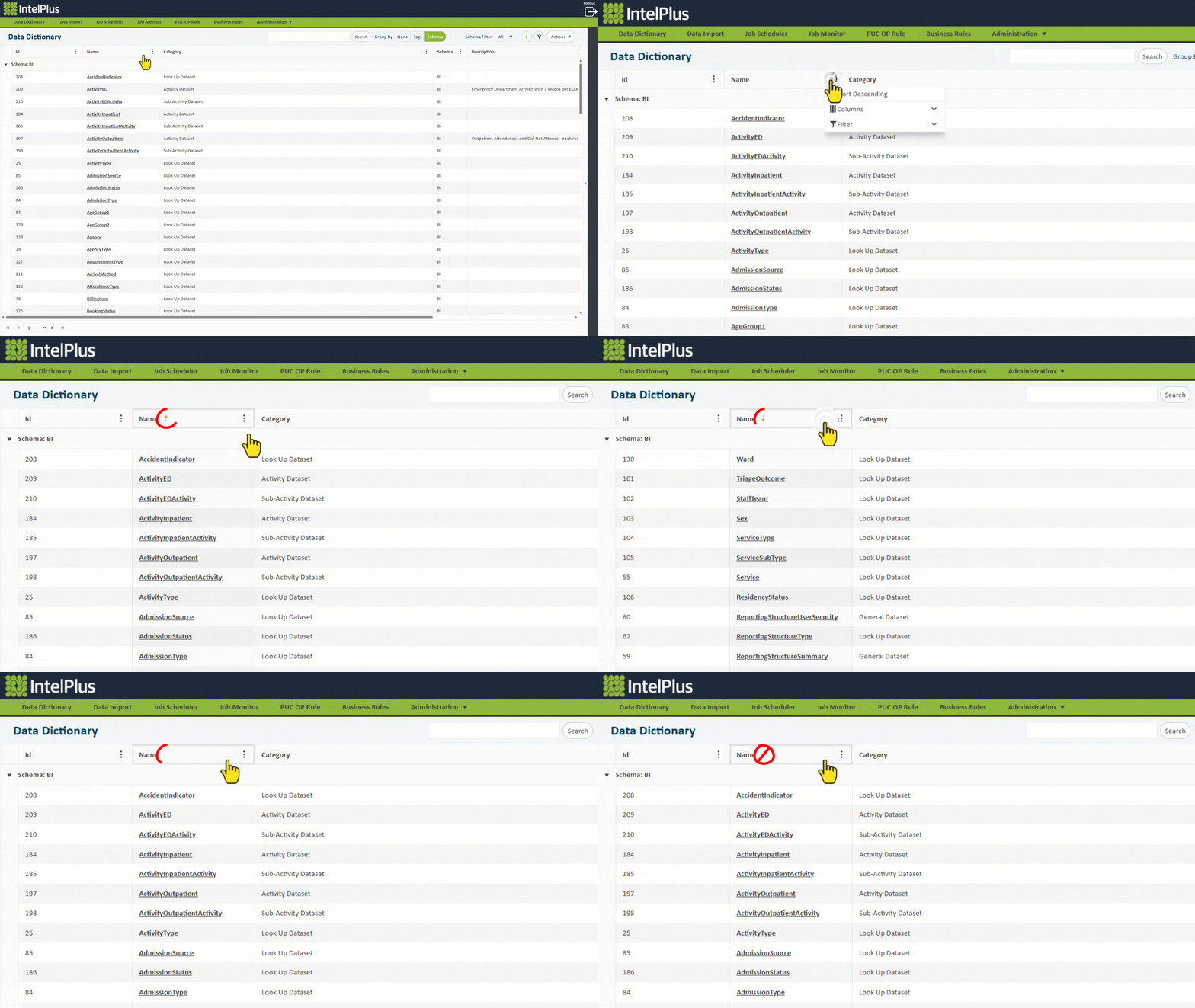
All columns in grids can be sorted. A quick way to sort by one column is to click on the column heading.
The sorting direction will be indicated with an arrow to the right of the heading. This picture indicates the Name column will be sorted in ascending order. 
Click once to sort ascending. Click again to sort descending. Click a third time to clear sorting (illustrated below).
Sorting type can also be selected by clicking on the three dots in the column  as seen below.
Feedback
Copyright © 2026 CBS
—
Powered by 
Post your comment on this topic.