

The purpose of the Step 4 is to map the columns of the Delimited file to the destination fields.
- Any Source Columns that have the same name as the Destination Columns will be automatically mapped to the Destination Column.
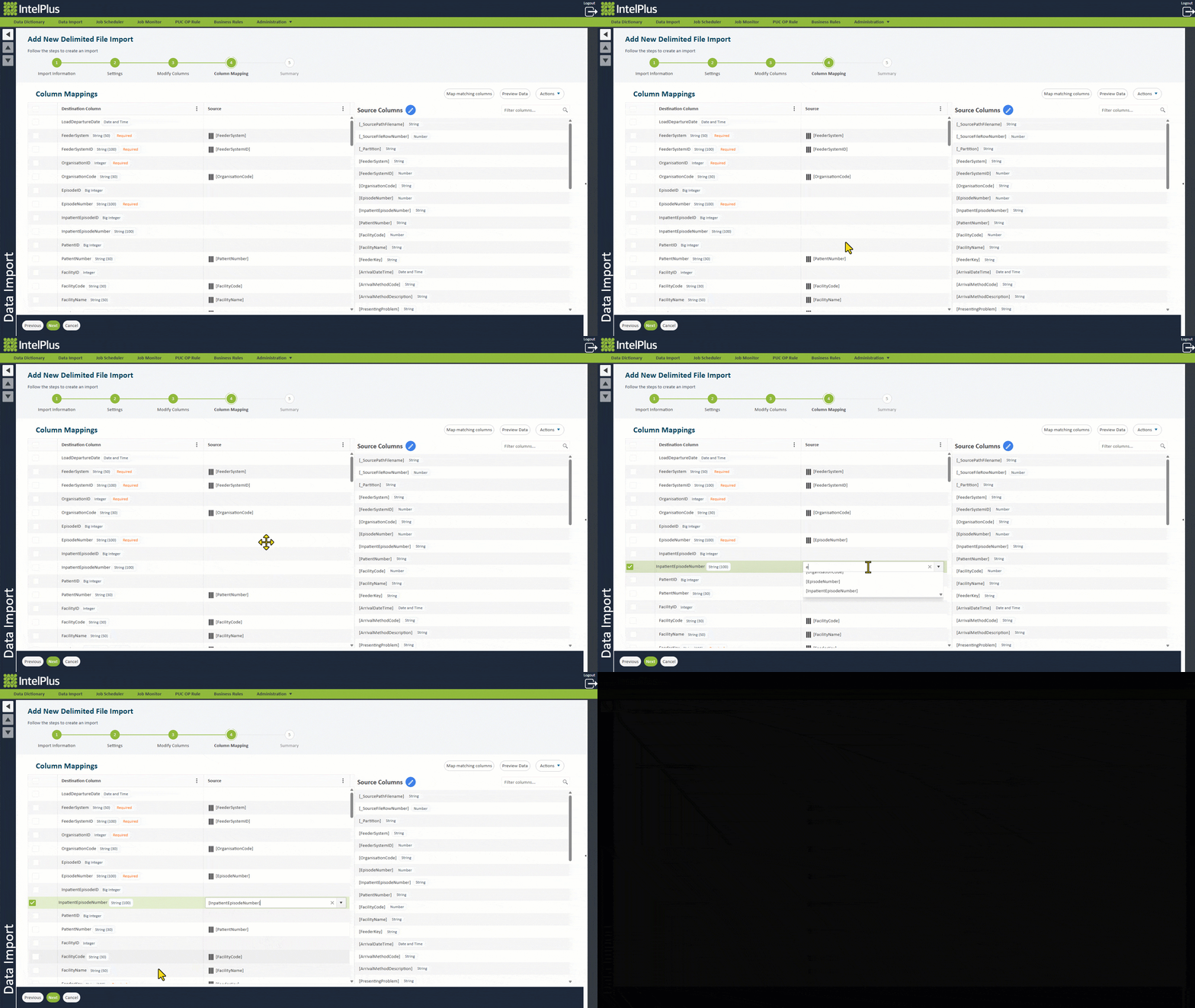
- Populate Destination Columns by either:
a. Clicking the Source dropdown and selecting a source column
b. Clicking the Source dropdown and typing a Constant (free text)
c. Dragging a Source Column over to a Destination Column
The image below illustrates this with examples.
Feedback
Copyright © 2026 CBS
—
Powered by 
Post your comment on this topic.